
A lightweight and extensible tool for supervising and correcting of development posture
一个轻量可扩展的开发姿势监督与矫正工具




 ### (2) pull钩子
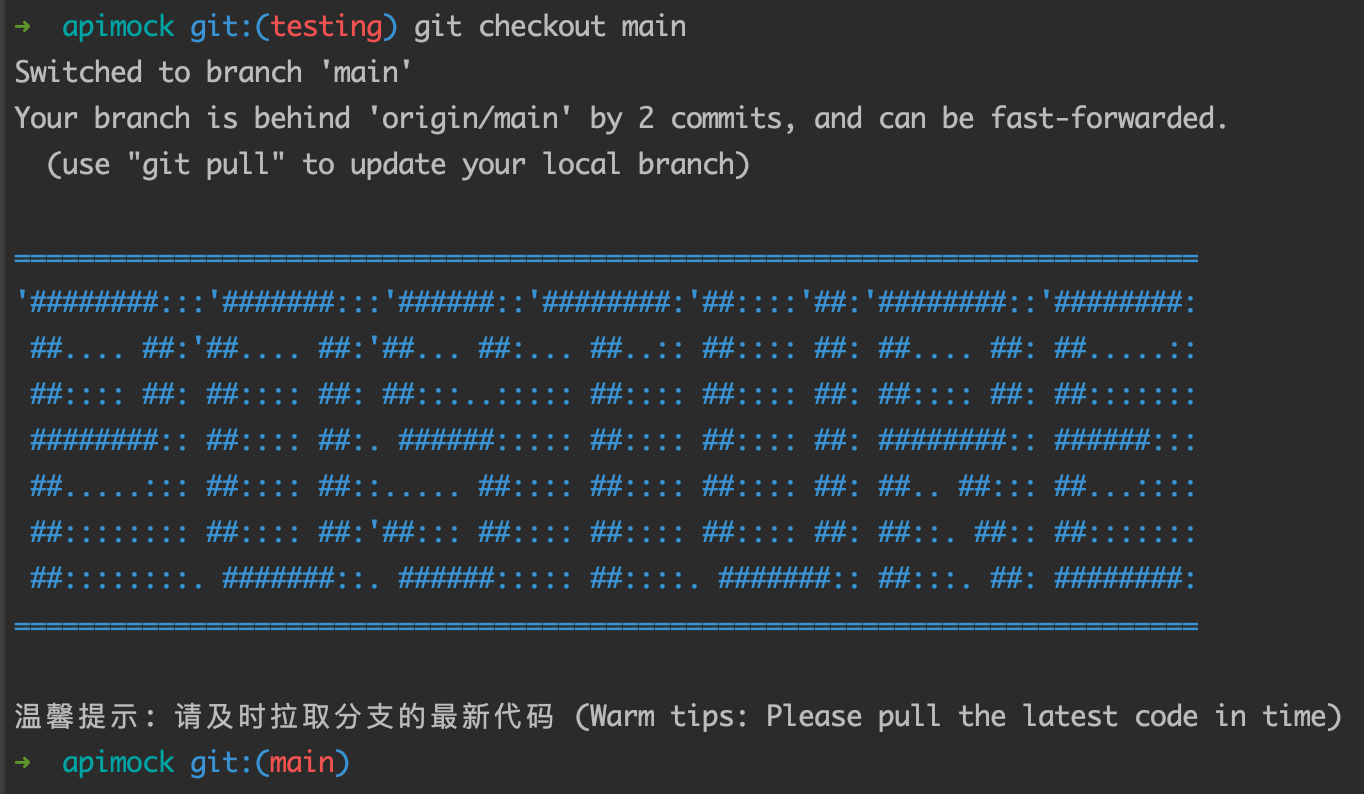
在使用```git pull```时,会自动执行pull钩子(由post-merge钩子实现),如下图所示。
### (2) pull钩子
在使用```git pull```时,会自动执行pull钩子(由post-merge钩子实现),如下图所示。
 ### (3) commit钩子
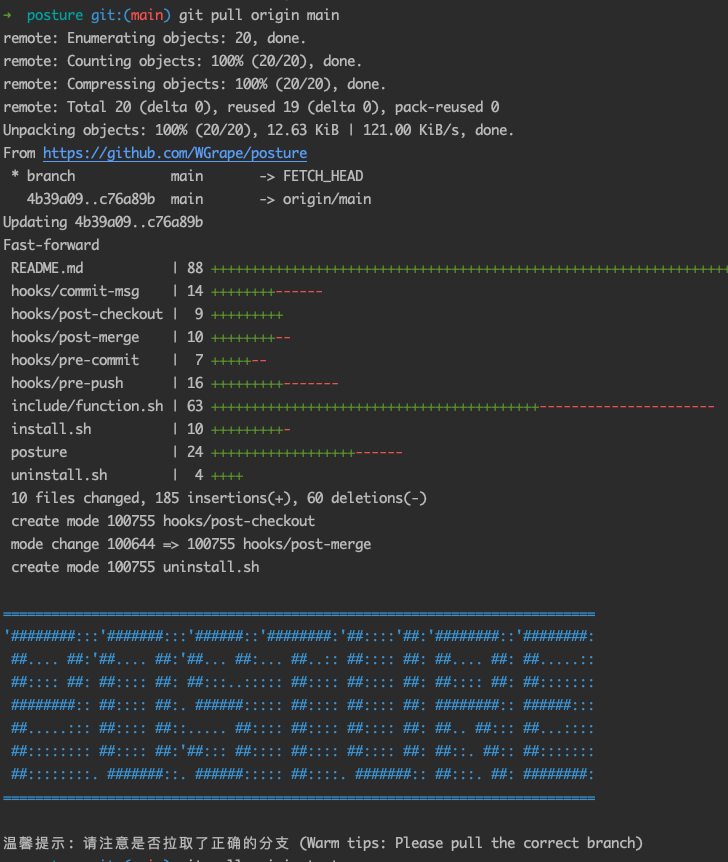
当使用```git commit```时,会自动执行commit钩子,如下图所示。
### (3) commit钩子
当使用```git commit```时,会自动执行commit钩子,如下图所示。
 如果在主分支(main/master)直接编辑提交代码,会出现如下报错。
 提交成功后会触发```post-commit```钩子,自动在```$POSTUREPATH/storage/```目录下生成一条以天为单位的```commit.${day}.log```commit日志文件,以实现每日工作统计等功能。
```text
# 日志内容如下
2021-08-17/10:51:44 posture wgrape test 3exxxxx feat:新增钉钉WebHook
2021-08-17/10:56:44 posture wgrape test 3exxxxx feat:新增commit日志记录功能
# 每行由6部分组成
-------------------------------------------------------------
| date | project | user | branch | commitId | commitMessage |
-------------------------------------------------------------
```
### (4) push钩子
当使用```git push```时,会自动执行push钩子,如下图所示。
提交成功后会触发```post-commit```钩子,自动在```$POSTUREPATH/storage/```目录下生成一条以天为单位的```commit.${day}.log```commit日志文件,以实现每日工作统计等功能。
```text
# 日志内容如下
2021-08-17/10:51:44 posture wgrape test 3exxxxx feat:新增钉钉WebHook
2021-08-17/10:56:44 posture wgrape test 3exxxxx feat:新增commit日志记录功能
# 每行由6部分组成
-------------------------------------------------------------
| date | project | user | branch | commitId | commitMessage |
-------------------------------------------------------------
```
### (4) push钩子
当使用```git push```时,会自动执行push钩子,如下图所示。
 如果提交了与本地不一致的分支,会出现如下报错。
 # 四、卸载更新
## 1、卸载应用
如果需要卸载,在执行完以下命令后,手动删除```$POSTUREPATH```目录即可。
```bash
cd $POSTUREPATH && bash ./uninstall.sh
```

## 2、版本更新
为保证您的良好使用体验,建议使用最新版的posture工具,执行以下命令即可完成更新。
```bash
posture update
```

# 五、项目贡献
# 四、卸载更新
## 1、卸载应用
如果需要卸载,在执行完以下命令后,手动删除```$POSTUREPATH```目录即可。
```bash
cd $POSTUREPATH && bash ./uninstall.sh
```

## 2、版本更新
为保证您的良好使用体验,建议使用最新版的posture工具,执行以下命令即可完成更新。
```bash
posture update
```

# 五、项目贡献