# typora-theme-next
**Repository Path**: billchen2k/typora-theme-next
## Basic Information
- **Project Name**: typora-theme-next
- **Description**: A theme for Typora, inspired by hexo theme NexT.
- **Primary Language**: CSS
- **License**: Not specified
- **Default Branch**: master
- **Homepage**: None
- **GVP Project**: No
## Statistics
- **Stars**: 0
- **Forks**: 0
- **Created**: 2021-10-28
- **Last Updated**: 2021-10-28
## Categories & Tags
**Categories**: Uncategorized
**Tags**: None
## README
# NexT for Typora
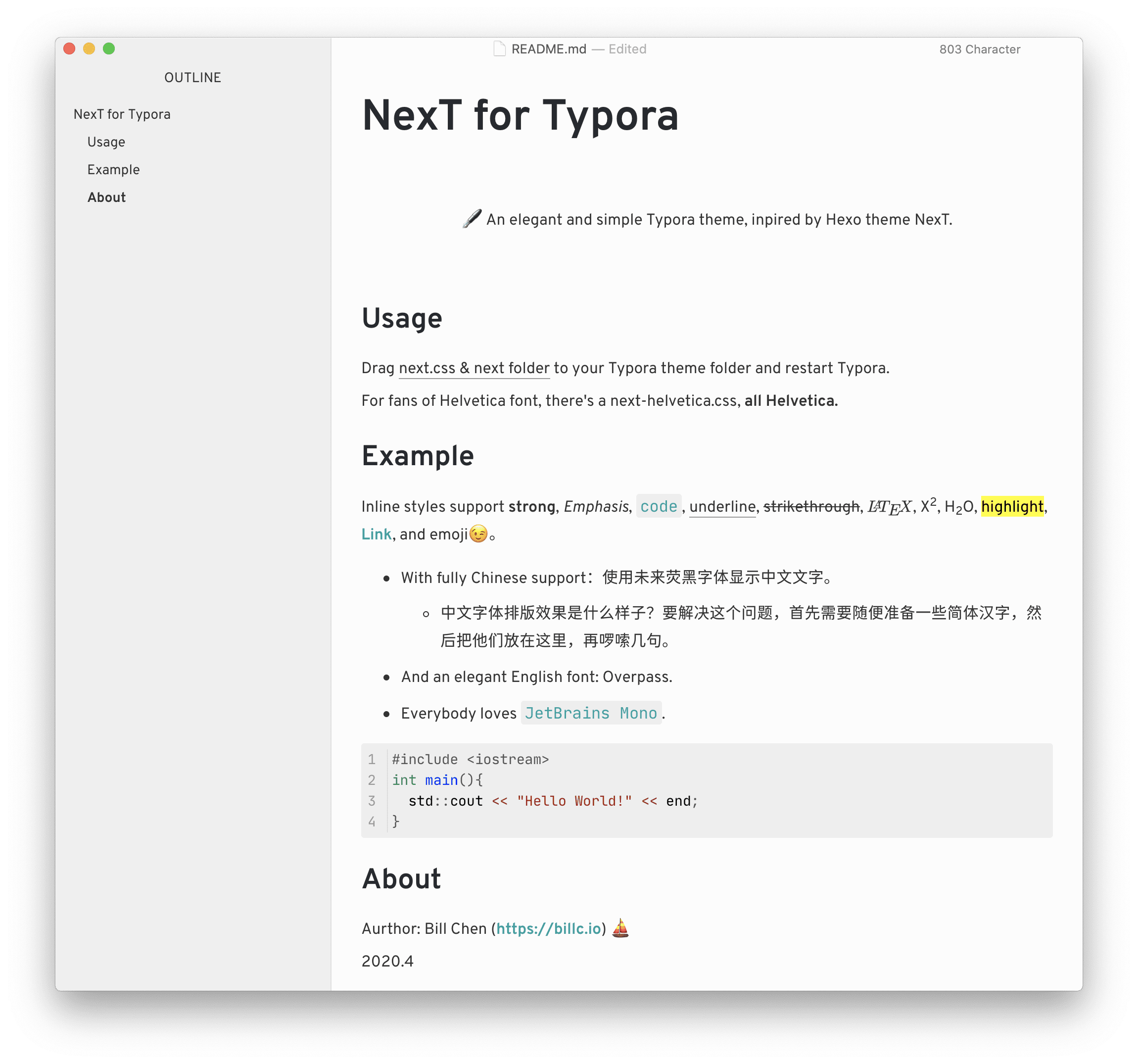
🖋 An elegant and simple Typora theme, inpired by Hexo theme NexT.


## Features
English 🇺🇸 & 中文 🇨🇳 supported, `JetBrains Mono` as mono font.
NexT is one of the most powerful and elegant themes for hexo. This is a transplanted version of NexT on Typora, with English font `Overpass` and Chinese font `Glow Sans` ([未来荧黑](https://github.com/welai/glow-sans)),a modern and concise Chinese font by Zhejiang University.
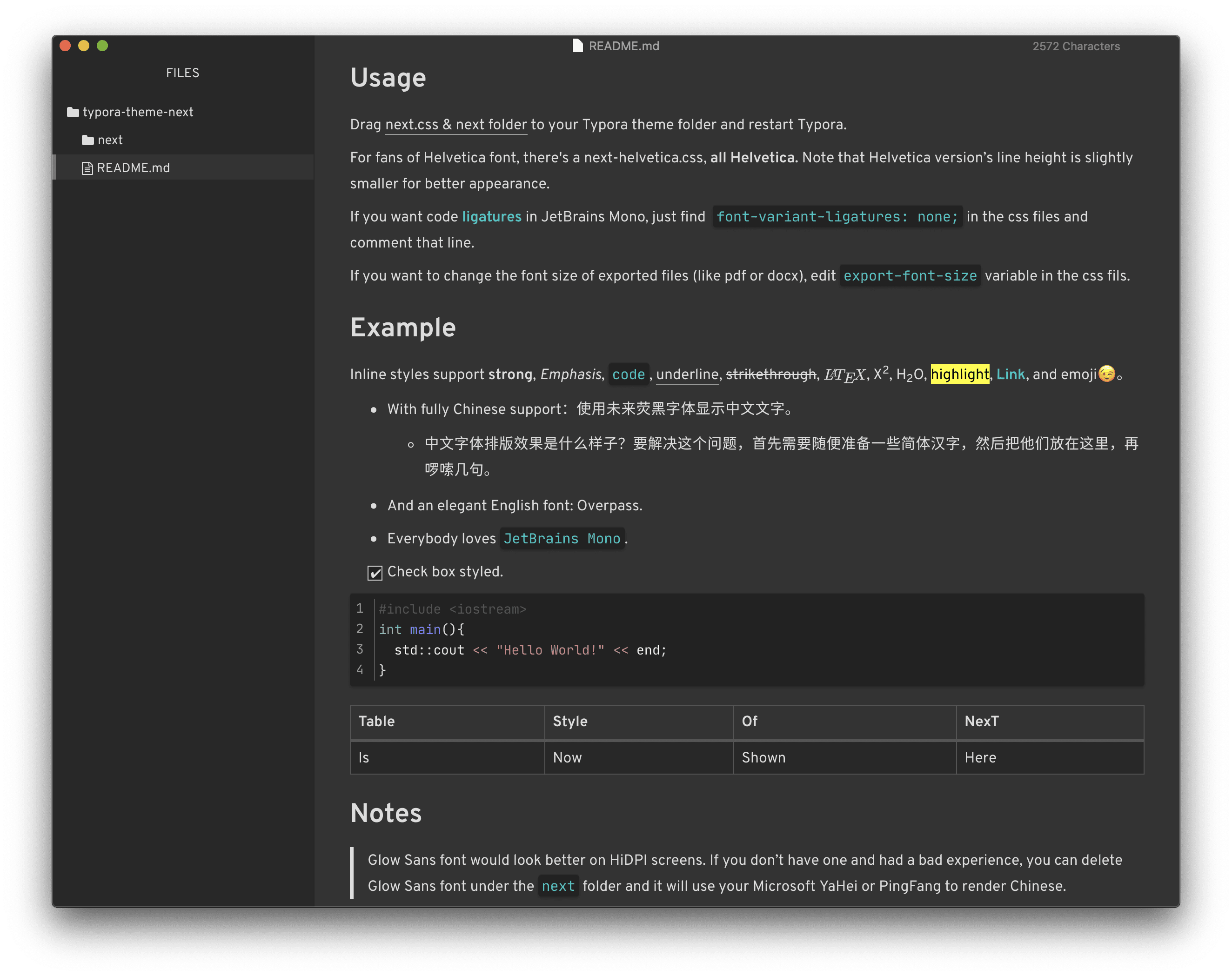
This theme includes styles for typos, underline, checkbox and sidebar, and a Helvetica version for fans of classic fonts. Tuned for both macOS and Windows, and now with a dark version:
## Usage
There will be four css files, drag whichever css file you like & next folder to your Typora theme folder and restart Typora.
Helvetica font would look more constraint and academic. For fans of Helvetica, both light and dark theme have a Helvetica version. Note that line height in Helvetica version is slightly tightened for better appearance.
Code [ligatures](https://www.jetbrains.com/lp/mono/) in JetBrains Mono are disabled by default. If you want it on, just find `font-variant-ligatures: none;` in the css files and comment that line.
If you want to change the font size of exported files (like pdf or docx), edit `export-font-size` variable in the css files.
## Example
Inline styles support **strong**, *Emphasis*, `code`, underline, ~~strikethrough~~, $\LaTeX$, X^2^, H~2~O, ==highlight==, [Link](typora.io), and emoji😉。
- With fully Chinese support:使用未来荧黑字体显示中文文字。
- 中文字体排版效果是什么样子?要解决这个问题,首先需要随便准备一些简体汉字,然后把他们放在这里,再啰嗦几句。
- And an elegant English font: Overpass.
- Everybody loves `JetBrains Mono`.
- [x] Check box styled.
```c
#include
int main(){
std::cout << "Hello World!" << end;
}
```
| Table | Style | Of | NexT |
| ----- | ----- | ---- | ---- |
| Is | Shown | Here | . |
## Notes
> Glow Sans font would look better on HiDPI screens. If you don’t have one and had a bad experience, you can delete Glow Sans font under the `next` folder and it will use your Microsoft YaHei or PingFang to render Chinese.
Author: Bill Chen ([https://billc.io](https://billc.io)) ⛵️
2020.4