# AudioKit User Interfaces
[](https://github.com/AudioKit/AudioKitUI/actions?query=workflow%3ACI)
[](https://github.com/AudioKit/AudioKitUI/blob/main/LICENSE)
[](https://swiftpackageindex.com/AudioKit/AudioKitUI)
[](https://swiftpackageindex.com/AudioKit/AudioKitUI)
[](https://houndci.com)
[](https://twitter.com/AudioKitPro)
Waveform plots and controls that can be used to jump start your AudioKit-powered app.
## Documentation
Complete API reference appears in the [AudioKit.io web site](https://www.audiokit.io/AudioKitUI/documentation/audiokitui)
## Requirements
We use SwiftUI so you need to target iOS 13+ and macOS 10.15+.
## Installation via Swift Package Manager
To add AudioKitUI to your Xcode project, select File -> Swift Packages -> Add Package Dependency. Enter `https://github.com/AudioKit/AudioKitUI` for the URL.
## Examples
Just like AudioKit, the example project for AudioKitUI is the [AudioKit Cookbook](https://github.com/AudioKit/Cookbook/).
## More!
Because some user interfaces are quite complex, and don't really have AudioKit as a dependency, we will be putting them in other repositories under the AudioKit umbrella.
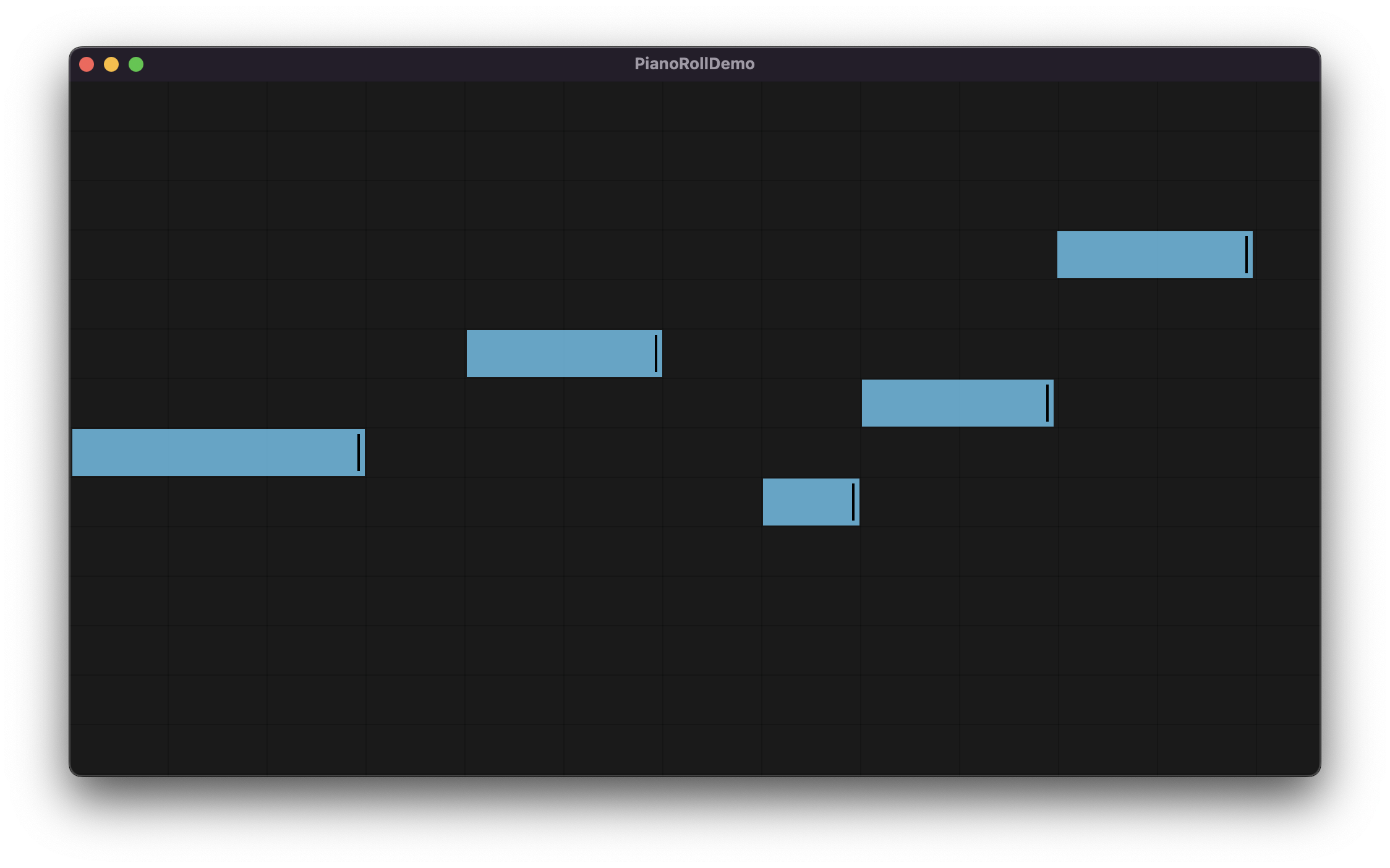
### Piano Roll
[https://github.com/AudioKit/PianoRoll](https://github.com/AudioKit/PianoRoll)