# ai-samples
**Repository Path**: mirrors_android/ai-samples
## Basic Information
- **Project Name**: ai-samples
- **Description**: No description available
- **Primary Language**: Unknown
- **License**: Not specified
- **Default Branch**: main
- **Homepage**: None
- **GVP Project**: No
## Statistics
- **Stars**: 0
- **Forks**: 0
- **Created**: 2024-10-02
- **Last Updated**: 2026-09-26
## Categories & Tags
**Categories**: Uncategorized
**Tags**: None
## README
# Android AI Samples Repository
Welcome to the official repository for Android Artificial Intelligence (AI) sample applications and developer tools. This repository contains various self-contained samples and modules illustrating how to leverage Generative AI capabilities on Android, utilizing both on-device and cloud-based models.
---
## 📱 Repository Samples
The table below catalogs the samples and applications available in this repository:
| Sample App | Description | Directory |
| :--- | :--- | :--- |
| **Android AI Sample Catalog**
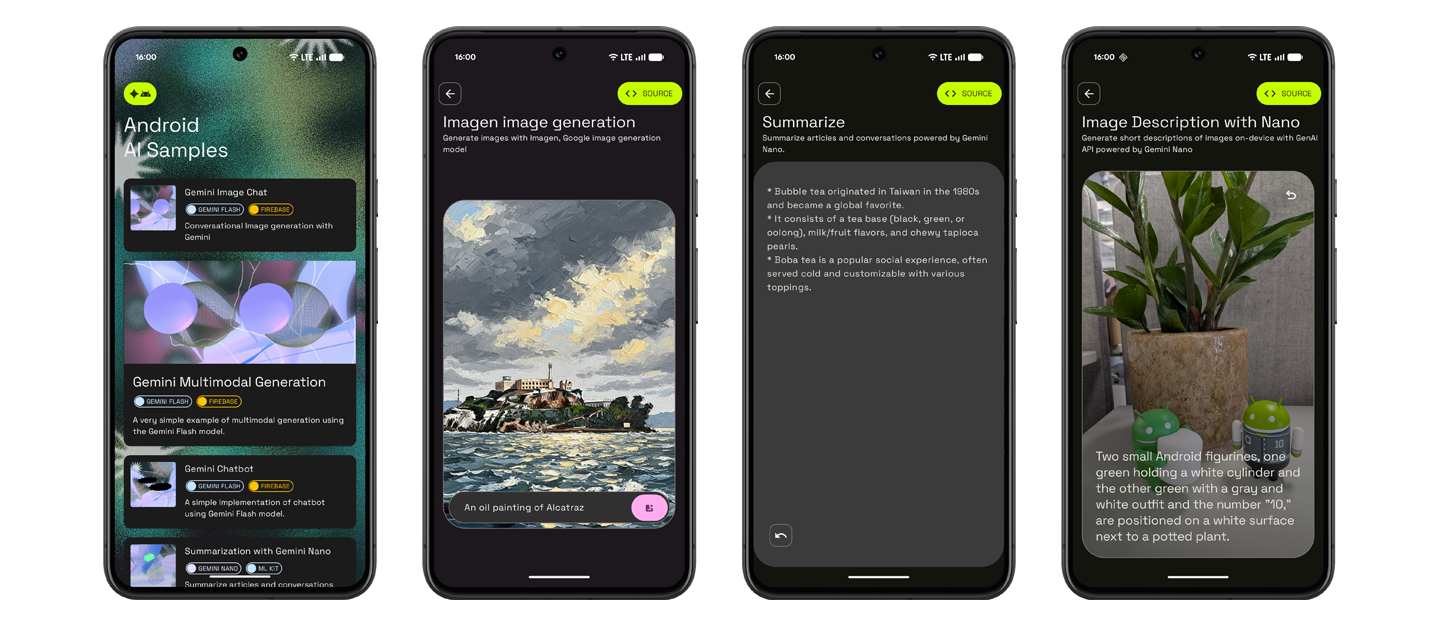 | A standalone showcase application containing multiple standalone, self-contained samples demonstrating various Gemini integration capabilities (hybrid inference, chat, multimodal, summarization, writing assistance, etc.) on Android. | [ai-sample-catalog/](ai-sample-catalog/) |
| **Jetpacker**
 | A complete travel planner application leveraging on-device ML Kit AI (for summaries, speech transcription, expense receipt parsing, translation fallback) and cloud-based Firebase AI logic to manage trips, itinerary events, reviews, and bookings. | [jetpacker/](jetpacker/) |
---
## 🛠️ Getting Started
To explore or run a specific sample, navigate to its respective directory and follow the setup instructions inside its local `README.md`.
### Running the Android AI Sample Catalog
1. Open the [ai-sample-catalog/](ai-sample-catalog/) directory in Android Studio.
2. Follow the Firebase project configuration instructions detailed in the [ai-sample-catalog/README.md](ai-sample-catalog/README.md).
3. Build and run the `app` configuration.
### Running Jetpacker
1. Open the [jetpacker/android/](jetpacker/android/) directory in Android Studio.
2. Follow the Firebase project and local properties setup instructions in [jetpacker/README.md](jetpacker/README.md).
3. Build and run the `:app` configuration.
---
## 🤝 Contributions and Feedback
Please check the individual sample directories for guidelines on contribution, reporting issues, or licenses specific to those projects.