# flexdashboard
**Repository Path**: mirrors_rstudio/flexdashboard
## Basic Information
- **Project Name**: flexdashboard
- **Description**: Easy interactive dashboards for R
- **Primary Language**: Unknown
- **License**: Not specified
- **Default Branch**: main
- **Homepage**: None
- **GVP Project**: No
## Statistics
- **Stars**: 0
- **Forks**: 0
- **Created**: 2022-01-06
- **Last Updated**: 2026-05-17
## Categories & Tags
**Categories**: Uncategorized
**Tags**: None
## README
# flexdashboard  [](https://CRAN.R-project.org/package=flexdashboard)
[](https://github.com/rstudio/flexdashboard/actions)
The goal of **flexdashboard** is to make it easy to create interactive
dashboards for R, using R Markdown.
- Use [R Markdown](https://rmarkdown.rstudio.com) to publish a group of
related data visualizations as a dashboard.
- Support for a wide variety of components including
[htmlwidgets](https://www.htmlwidgets.org); base, lattice, and grid
graphics; tabular data; gauges and value boxes; and text annotations.
- Flexible and easy to specify row and column-based
[layouts](https://pkgs.rstudio.com/flexdashboard/articles/layouts.html).
Components are intelligently re-sized to fill the browser and adapted
for display on mobile devices.
- [Storyboard](https://pkgs.rstudio.com/flexdashboard/articles/using.html#storyboards-1)
layouts for presenting sequences of visualizations and related
commentary.
- Optionally use [Shiny](https://shiny.posit.co/) to drive
visualizations dynamically.
- Optionally use [bslib](https://rstudio.github.io/bslib/) to easily
[customize main colors, fonts, and
more](https://pkgs.rstudio.com/flexdashboard/articles/theme.html).
Learn more about **flexdashboard**:
## Examples
[](https://CRAN.R-project.org/package=flexdashboard)
[](https://github.com/rstudio/flexdashboard/actions)
The goal of **flexdashboard** is to make it easy to create interactive
dashboards for R, using R Markdown.
- Use [R Markdown](https://rmarkdown.rstudio.com) to publish a group of
related data visualizations as a dashboard.
- Support for a wide variety of components including
[htmlwidgets](https://www.htmlwidgets.org); base, lattice, and grid
graphics; tabular data; gauges and value boxes; and text annotations.
- Flexible and easy to specify row and column-based
[layouts](https://pkgs.rstudio.com/flexdashboard/articles/layouts.html).
Components are intelligently re-sized to fill the browser and adapted
for display on mobile devices.
- [Storyboard](https://pkgs.rstudio.com/flexdashboard/articles/using.html#storyboards-1)
layouts for presenting sequences of visualizations and related
commentary.
- Optionally use [Shiny](https://shiny.posit.co/) to drive
visualizations dynamically.
- Optionally use [bslib](https://rstudio.github.io/bslib/) to easily
[customize main colors, fonts, and
more](https://pkgs.rstudio.com/flexdashboard/articles/theme.html).
Learn more about **flexdashboard**:
## Examples
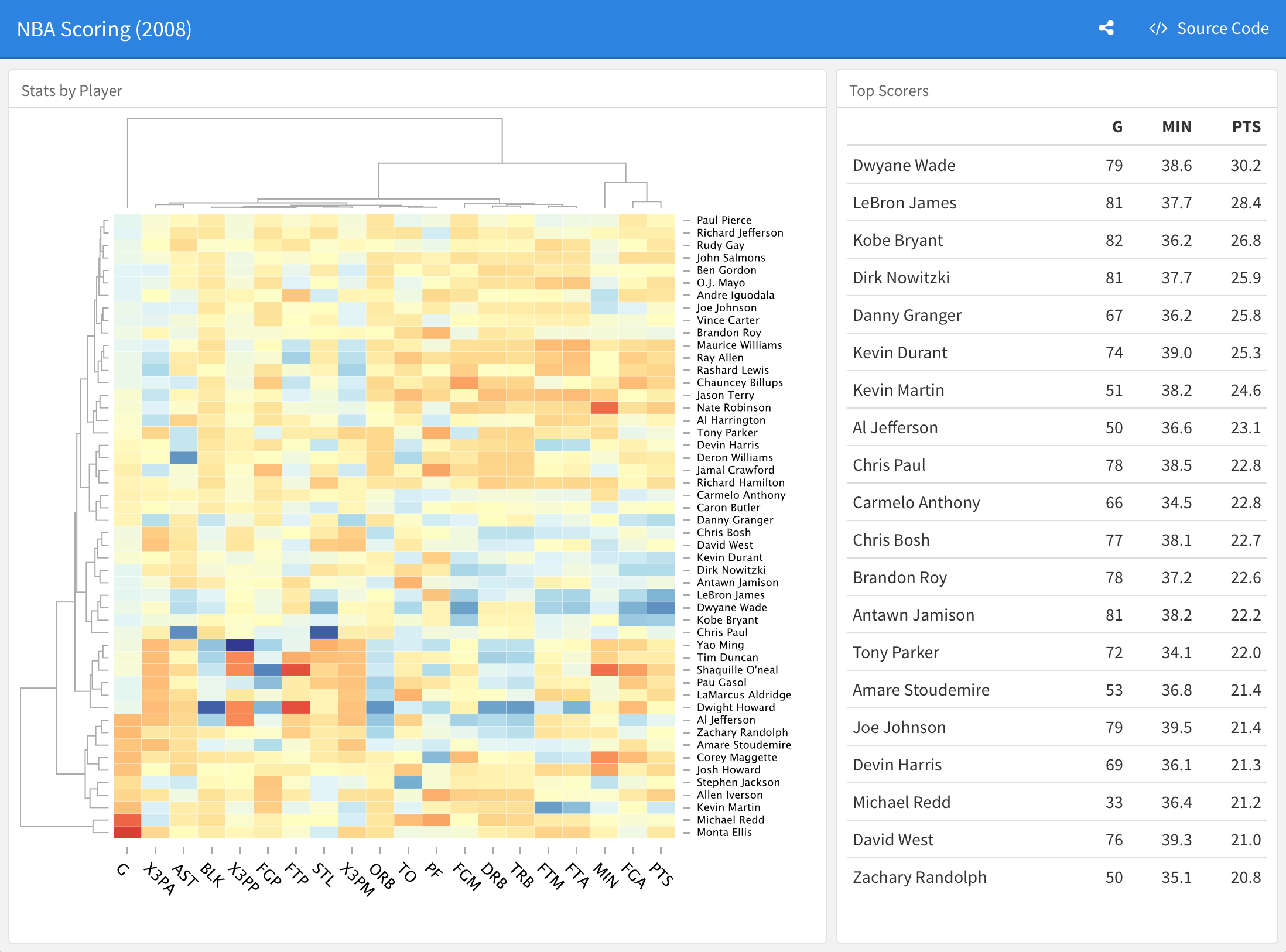
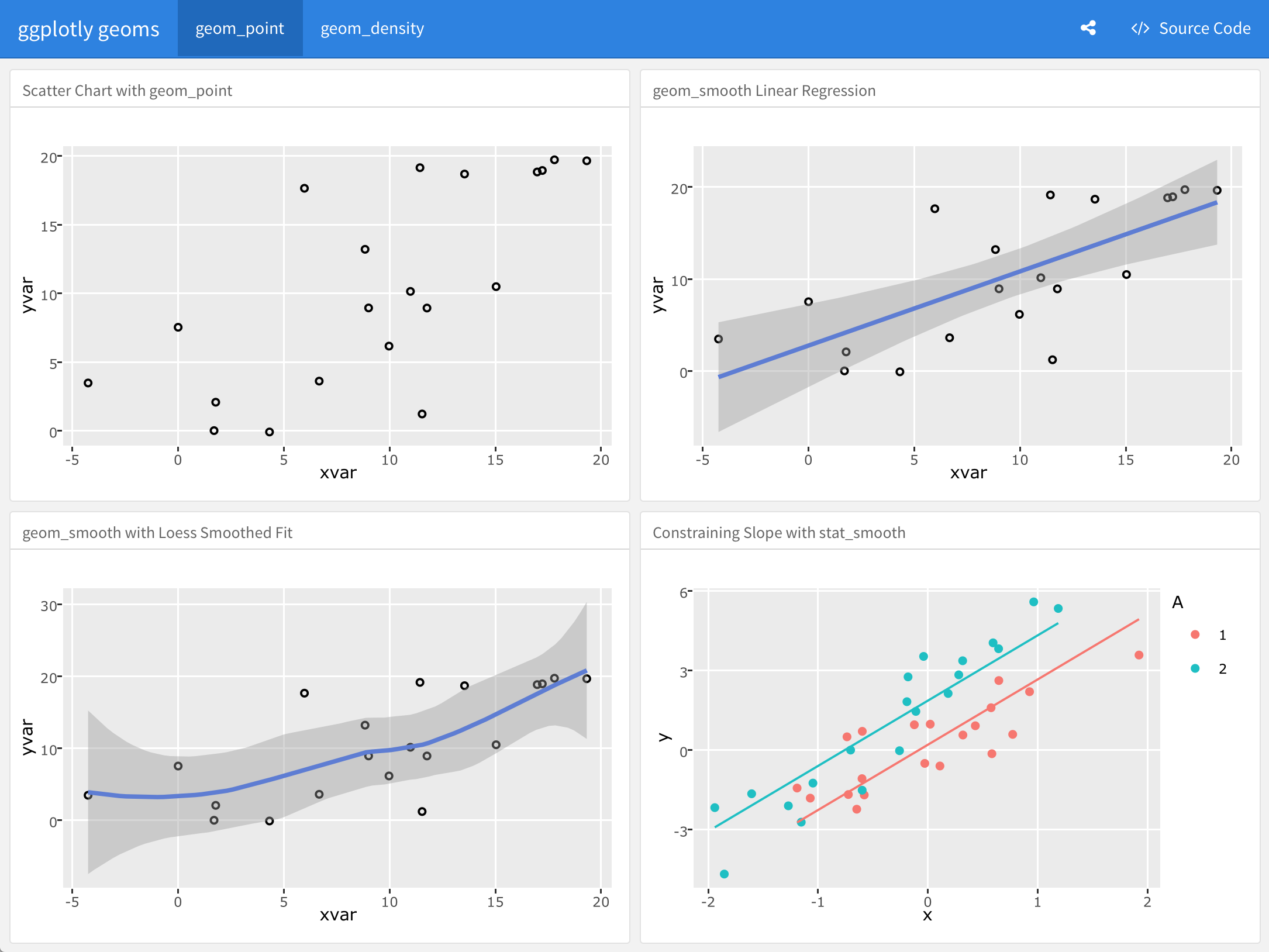
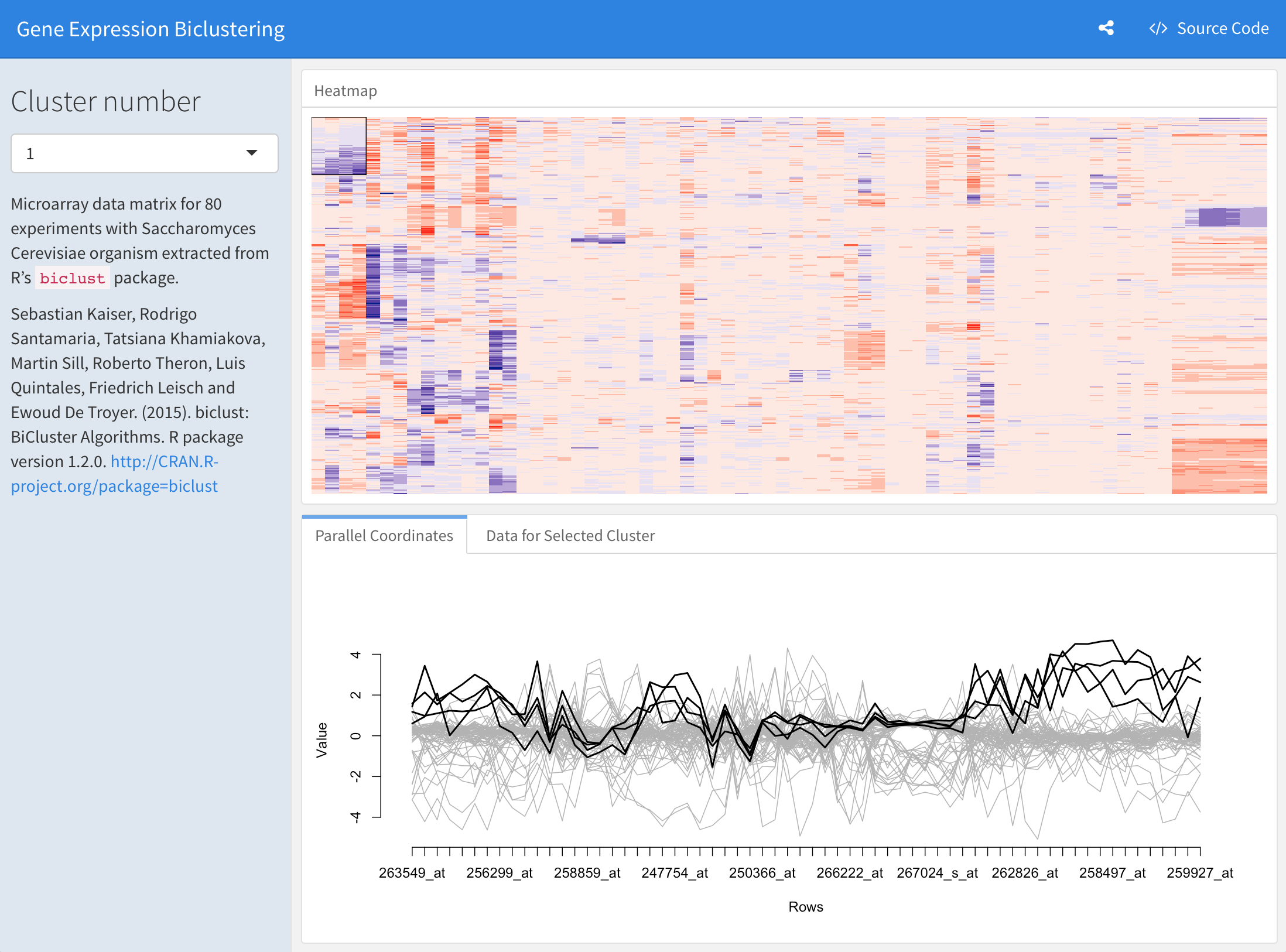 View more examples
[here](https://pkgs.rstudio.com/flexdashboard/articles/examples.html).
## Installation
Install the **flexdashboard** package from CRAN as follows:
``` r
install.packages("flexdashboard")
```
If you want to use the development version of the **flexdashboard**
package, you can install the package from GitHub via the [**remotes**
package](https://remotes.r-lib.org):
``` r
remotes::install_github('rstudio/flexdashboard')
```
## Usage
To author a **flexdashboard** you create an [R
Markdown](https://rmarkdown.rstudio.com) document with the
`flexdashboard::flex_dashboard` output format. You can do this from
within RStudio using the **New R Markdown** dialog:

If you are not using RStudio, you can create a new `flexdashboard` R
Markdown file from the R console. Currently there are two `templates`:
- `"flex_dashboard"` (basic) and
- `"flex_dashboard_bslib"` (an example of [theming with
`{bslib}`](https://pkgs.rstudio.com/flexdashboard/articles/theme.html)):
``` r
rmarkdown::draft("dashboard.Rmd",
template = "flex_dashboard_bslib",
package = "flexdashboard")
```
## Getting help
There are two main places to get help with flexdashboard:
- The [RStudio
community](https://forum.posit.co/tags/c/R-Markdown/10/flexdashboard)
is a friendly place to ask any questions about flexdashboard. Be sure
to use the `flexdashboard` tag. Add also the `shiny` tag is you are
using a Shiny runtime.
- [Stack
Overflow](https://stackoverflow.com/questions/tagged/flexdashboard) is
a great source of answers to common **flexdashboard** questions. It is
also a great place to get help, once you have created a reproducible
example that illustrates your problem. Use the tags
[`[r][flexdashboard]`](https://stackoverflow.com/questions/tagged/flexdashboard+r)
if you ask a question. Add the tag `[shiny]` if you are using a Shiny
runtime.
## Code of Conduct
Please note that the **flexdashboard** project is released with a
[Contributor Code of
Conduct](https://pkgs.rstudio.com/flexdashboard/CODE_OF_CONDUCT.html).
By contributing to this project, you agree to abide by its terms.
View more examples
[here](https://pkgs.rstudio.com/flexdashboard/articles/examples.html).
## Installation
Install the **flexdashboard** package from CRAN as follows:
``` r
install.packages("flexdashboard")
```
If you want to use the development version of the **flexdashboard**
package, you can install the package from GitHub via the [**remotes**
package](https://remotes.r-lib.org):
``` r
remotes::install_github('rstudio/flexdashboard')
```
## Usage
To author a **flexdashboard** you create an [R
Markdown](https://rmarkdown.rstudio.com) document with the
`flexdashboard::flex_dashboard` output format. You can do this from
within RStudio using the **New R Markdown** dialog:

If you are not using RStudio, you can create a new `flexdashboard` R
Markdown file from the R console. Currently there are two `templates`:
- `"flex_dashboard"` (basic) and
- `"flex_dashboard_bslib"` (an example of [theming with
`{bslib}`](https://pkgs.rstudio.com/flexdashboard/articles/theme.html)):
``` r
rmarkdown::draft("dashboard.Rmd",
template = "flex_dashboard_bslib",
package = "flexdashboard")
```
## Getting help
There are two main places to get help with flexdashboard:
- The [RStudio
community](https://forum.posit.co/tags/c/R-Markdown/10/flexdashboard)
is a friendly place to ask any questions about flexdashboard. Be sure
to use the `flexdashboard` tag. Add also the `shiny` tag is you are
using a Shiny runtime.
- [Stack
Overflow](https://stackoverflow.com/questions/tagged/flexdashboard) is
a great source of answers to common **flexdashboard** questions. It is
also a great place to get help, once you have created a reproducible
example that illustrates your problem. Use the tags
[`[r][flexdashboard]`](https://stackoverflow.com/questions/tagged/flexdashboard+r)
if you ask a question. Add the tag `[shiny]` if you are using a Shiny
runtime.
## Code of Conduct
Please note that the **flexdashboard** project is released with a
[Contributor Code of
Conduct](https://pkgs.rstudio.com/flexdashboard/CODE_OF_CONDUCT.html).
By contributing to this project, you agree to abide by its terms.