# flutter_pdf
**Repository Path**: niusm/flutter_pdf
## Basic Information
- **Project Name**: flutter_pdf
- **Description**: No description available
- **Primary Language**: Unknown
- **License**: Apache-2.0
- **Default Branch**: master
- **Homepage**: None
- **GVP Project**: No
## Statistics
- **Stars**: 0
- **Forks**: 0
- **Created**: 2021-06-01
- **Last Updated**: 2022-08-29
## Categories & Tags
**Categories**: Uncategorized
**Tags**: None
## README
# Pdf creation library for dart/flutter
This library is divided into two parts:
* a low-level Pdf creation library that takes care of the pdf bits generation.
* a Widgets system similar to Flutter's, for easy high-level Pdf creation.
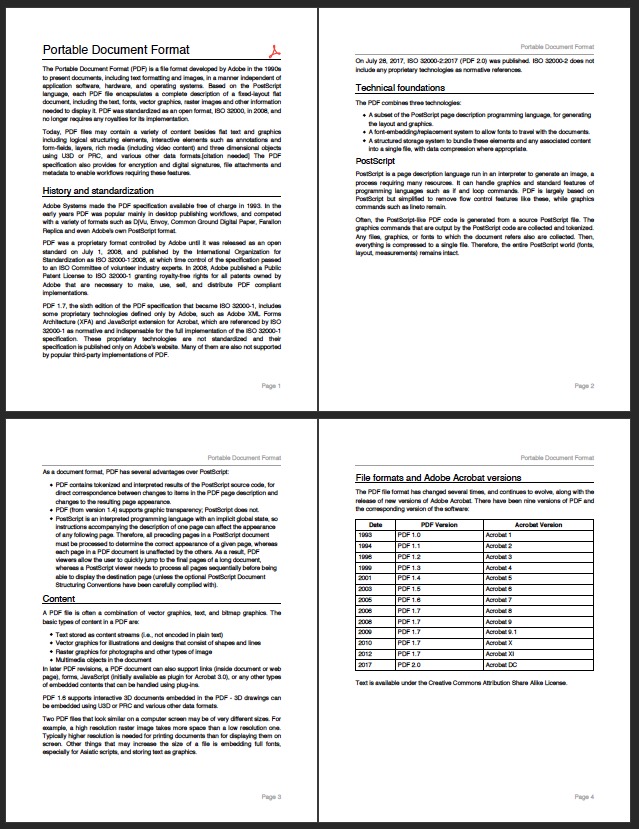
It can create a full multi-pages document with graphics,
images, and text using TrueType fonts. With the ease of use you already know.
See an interactive demo here: .
 Use the `printing` package
for full flutter print and share operation.
The coordinate system is using the internal Pdf unit:
* 1.0 is defined as 1 / 72.0 inch
* you can use the constants for centimeters, millimeters, and inch defined in PdfPageFormat
[](https://www.buymeacoffee.com/JORBmbw9h "Buy Me A Coffee")
## Installing
If you want to print the Pdf document on an actual printer with Flutter,
follow the instructions at
1. Add this package to your package's `pubspec.yaml` file as described
on the installation tab
2. Import the libraries
```dart
import 'package:pdf/pdf.dart';
import 'package:pdf/widgets.dart' as pw;
```
## Examples
```dart
final pdf = pw.Document();
pdf.addPage(pw.Page(
pageFormat: PdfPageFormat.a4,
build: (pw.Context context) {
return pw.Center(
child: pw.Text("Hello World"),
); // Center
})); // Page
```
To load an image from a file:
```dart
final image = pw.MemoryImage(
File('test.webp').readAsBytesSync(),
);
pdf.addPage(pw.Page(build: (pw.Context context) {
return pw.Center(
child: pw.Image.provider(image),
); // Center
})); // Page
```
To use a TrueType font:
```dart
final Uint8List fontData = File('open-sans.ttf').readAsBytesSync();
final ttf = pw.Font.ttf(fontData.buffer.asByteData());
pdf.addPage(pw.Page(
pageFormat: PdfPageFormat.a4,
build: (pw.Context context) {
return pw.Center(
child: pw.Text('Hello World', style: pw.TextStyle(font: ttf, fontSize: 40)),
); // Center
})); // Page
```
To save the pdf file:
```dart
// On Flutter, use the [path_provider](https://pub.dev/packages/path_provider) library:
// final output = await getTemporaryDirectory();
// final file = File("${output.path}/example.pdf");
final file = File("example.pdf");
await file.writeAsBytes(pdf.save());
```
## Encryption and Digital Signature
Encryption using RC4-40, RC4-128, AES-128, and AES-256 is fully supported using a separate library.
This library also provides SHA1 or SHA-256 Digital Signature using your x509 certificate. The graphic signature is represented by a clickable widget that shows Digital Signature information.
Drop me an email for availability and more information.
Use the `printing` package
for full flutter print and share operation.
The coordinate system is using the internal Pdf unit:
* 1.0 is defined as 1 / 72.0 inch
* you can use the constants for centimeters, millimeters, and inch defined in PdfPageFormat
[](https://www.buymeacoffee.com/JORBmbw9h "Buy Me A Coffee")
## Installing
If you want to print the Pdf document on an actual printer with Flutter,
follow the instructions at
1. Add this package to your package's `pubspec.yaml` file as described
on the installation tab
2. Import the libraries
```dart
import 'package:pdf/pdf.dart';
import 'package:pdf/widgets.dart' as pw;
```
## Examples
```dart
final pdf = pw.Document();
pdf.addPage(pw.Page(
pageFormat: PdfPageFormat.a4,
build: (pw.Context context) {
return pw.Center(
child: pw.Text("Hello World"),
); // Center
})); // Page
```
To load an image from a file:
```dart
final image = pw.MemoryImage(
File('test.webp').readAsBytesSync(),
);
pdf.addPage(pw.Page(build: (pw.Context context) {
return pw.Center(
child: pw.Image.provider(image),
); // Center
})); // Page
```
To use a TrueType font:
```dart
final Uint8List fontData = File('open-sans.ttf').readAsBytesSync();
final ttf = pw.Font.ttf(fontData.buffer.asByteData());
pdf.addPage(pw.Page(
pageFormat: PdfPageFormat.a4,
build: (pw.Context context) {
return pw.Center(
child: pw.Text('Hello World', style: pw.TextStyle(font: ttf, fontSize: 40)),
); // Center
})); // Page
```
To save the pdf file:
```dart
// On Flutter, use the [path_provider](https://pub.dev/packages/path_provider) library:
// final output = await getTemporaryDirectory();
// final file = File("${output.path}/example.pdf");
final file = File("example.pdf");
await file.writeAsBytes(pdf.save());
```
## Encryption and Digital Signature
Encryption using RC4-40, RC4-128, AES-128, and AES-256 is fully supported using a separate library.
This library also provides SHA1 or SHA-256 Digital Signature using your x509 certificate. The graphic signature is represented by a clickable widget that shows Digital Signature information.
Drop me an email for availability and more information.