# lazy.nvim
**Repository Path**: sunraing/lazy.nvim
## Basic Information
- **Project Name**: lazy.nvim
- **Description**: forked https://github.com/folke/lazy.nvim。对插件安装进行github文件加速代理。
- **Primary Language**: Unknown
- **License**: Apache-2.0
- **Default Branch**: main
- **Homepage**: None
- **GVP Project**: No
## Statistics
- **Stars**: 1
- **Forks**: 0
- **Created**: 2026-01-24
- **Last Updated**: 2026-01-30
## Categories & Tags
**Categories**: Uncategorized
**Tags**: None
## README
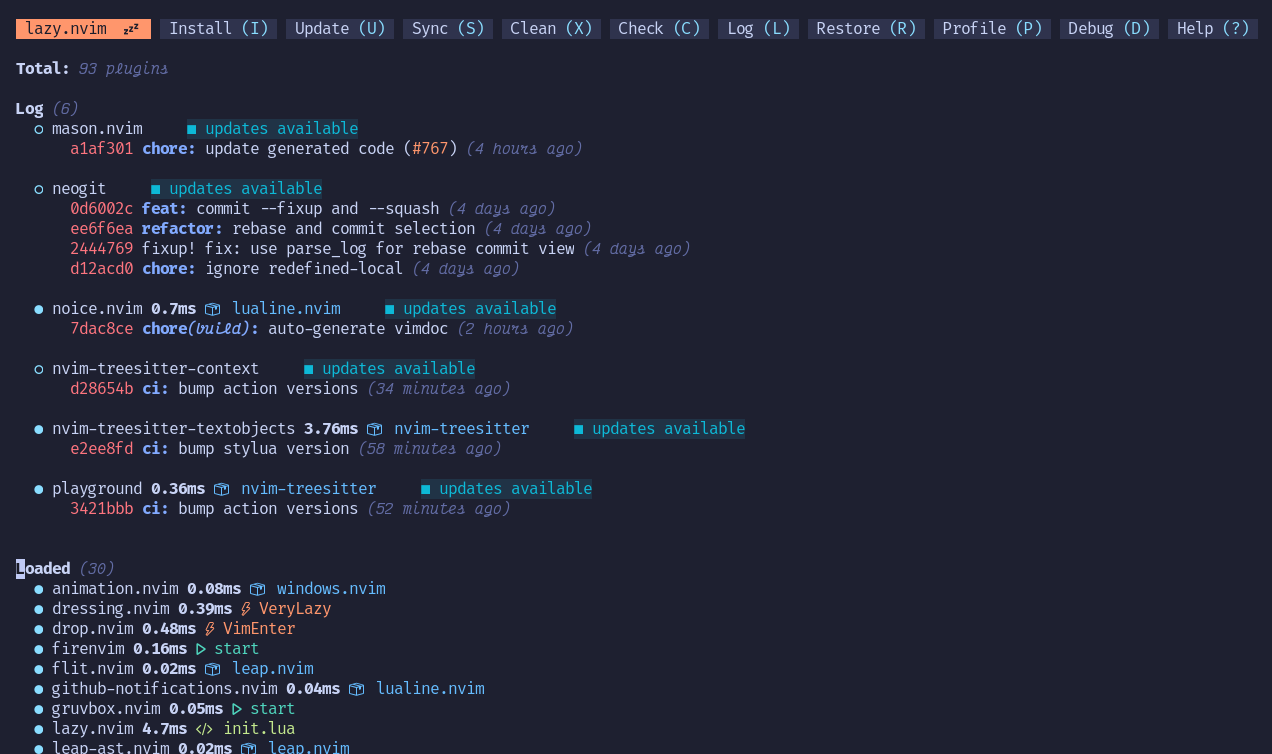
**lazy.nvim** is a modern plugin manager for Neovim.
## ✨ Features
- 📦 Manage all your Neovim plugins with a powerful UI
- 🚀 Fast startup times thanks to automatic caching and bytecode compilation of Lua modules
- 💾 Partial clones instead of shallow clones
- 🔌 Automatic lazy-loading of Lua modules and lazy-loading on events, commands, filetypes, and key mappings
- ⏳ Automatically install missing plugins before starting up Neovim, allowing you to start using it right away
- 💪 Async execution for improved performance
- 🛠️ No need to manually compile plugins
- 🧪 Correct sequencing of dependencies
- 📁 Configurable in multiple files
- 📚 Generates helptags of the headings in `README.md` files for plugins that don't have vimdocs
- 💻 Dev options and patterns for using local plugins
- 📊 Profiling tools to optimize performance
- 🔒 Lockfile `lazy-lock.json` to keep track of installed plugins
- 🔎 Automatically check for updates
- 📋 Commit, branch, tag, version, and full [Semver](https://devhints.io/semver) support
- 📈 Statusline component to see the number of pending updates
- 🎨 Automatically lazy-loads colorschemes
## ⚡️ Requirements
- Neovim >= **0.8.0** (needs to be built with **LuaJIT**)
- Git >= **2.19.0** (for partial clones support)
- a [Nerd Font](https://www.nerdfonts.com/) **_(optional)_**
- [luarocks](https://luarocks.org/) to install rockspecs.
You can remove `rockspec` from `opts.pkg.sources` to disable this feature.
## 🚀 Getting Started
Check the [documentation website](https://lazy.folke.io/) for more information.


