# procedural-gl-js
**Repository Path**: webgl-threejs/procedural-gl-js
## Basic Information
- **Project Name**: procedural-gl-js
- **Description**: No description available
- **Primary Language**: Unknown
- **License**: MPL-2.0
- **Default Branch**: main
- **Homepage**: None
- **GVP Project**: No
## Statistics
- **Stars**: 0
- **Forks**: 0
- **Created**: 2021-04-03
- **Last Updated**: 2021-04-05
## Categories & Tags
**Categories**: Uncategorized
**Tags**: None
## README
procedural-gl.js
================
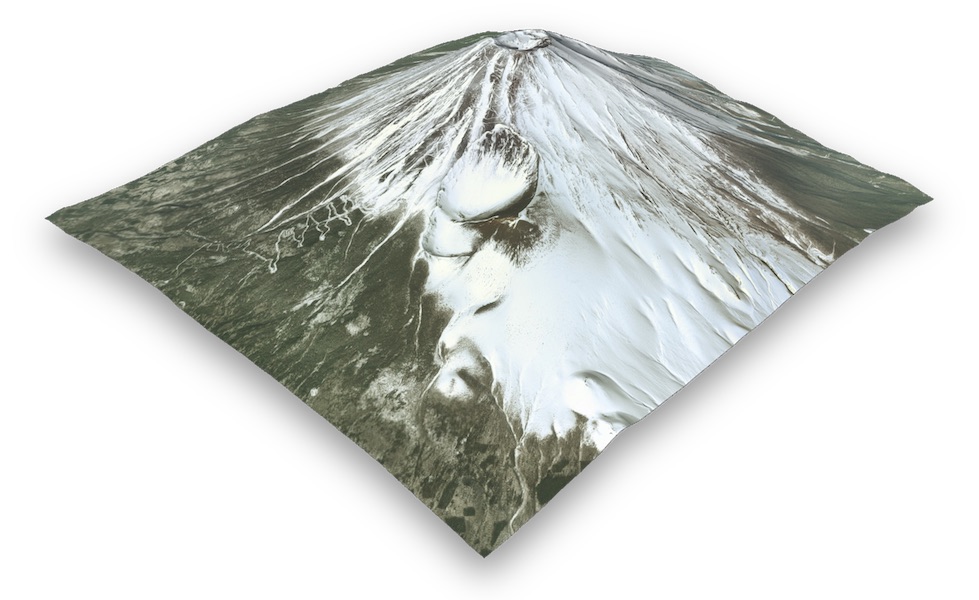 Procedural GL JS is a library for creating 3D map experiences on the web, written in JavaScript and WebGL. It is built on top of [THREE.js](https://github.com/mrdoob/three.js).
It provides an easy-to-use, but powerful framework to allow beautiful landscapes of the outdoors to be embedded into web pages. It loads super-fast and is optimized for mobile devices.
[Demo](https://www.procedural.eu/map/) | [Docs](https://www.procedural.eu/) | [Overlay playground](https://www.procedural.eu/overlays.html) | [Elevation data](https://www.nasadem.xyz) | [Source](https://github.com/felixpalmer/procedural-gl-js)
Key features
============
- Novel GPU powered level-of-detail system gives butter-smooth rendering, including on mobile
- Stream in standard raster imagery tiles. Supports map tiles from a variety of providers
- Easily include elevation data for 3D terrain
- Powerful overlay capabilities. Draw crisp markers and lines
- Well-thought-out API, complex applications can be built without needing to deal with 3D concepts
- Great UX and intuitive controls, mouse-based on desktop & touch-based on mobile
- Tiny filesize means library is parsed fast. Package size is less than THREE.js thanks to code stripping
Screenshots
===========
Procedural GL JS is a library for creating 3D map experiences on the web, written in JavaScript and WebGL. It is built on top of [THREE.js](https://github.com/mrdoob/three.js).
It provides an easy-to-use, but powerful framework to allow beautiful landscapes of the outdoors to be embedded into web pages. It loads super-fast and is optimized for mobile devices.
[Demo](https://www.procedural.eu/map/) | [Docs](https://www.procedural.eu/) | [Overlay playground](https://www.procedural.eu/overlays.html) | [Elevation data](https://www.nasadem.xyz) | [Source](https://github.com/felixpalmer/procedural-gl-js)
Key features
============
- Novel GPU powered level-of-detail system gives butter-smooth rendering, including on mobile
- Stream in standard raster imagery tiles. Supports map tiles from a variety of providers
- Easily include elevation data for 3D terrain
- Powerful overlay capabilities. Draw crisp markers and lines
- Well-thought-out API, complex applications can be built without needing to deal with 3D concepts
- Great UX and intuitive controls, mouse-based on desktop & touch-based on mobile
- Tiny filesize means library is parsed fast. Package size is less than THREE.js thanks to code stripping
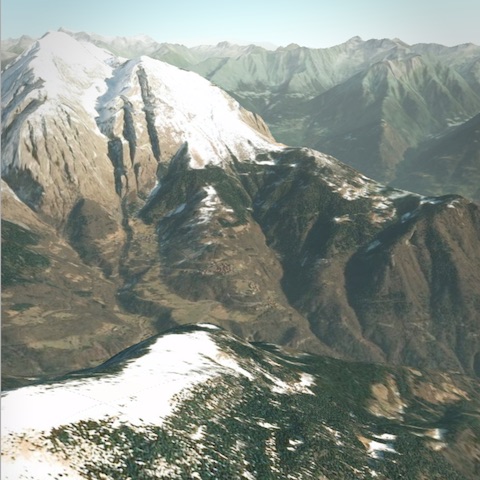
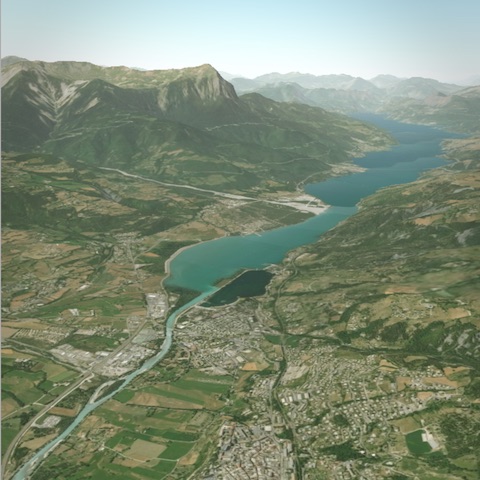
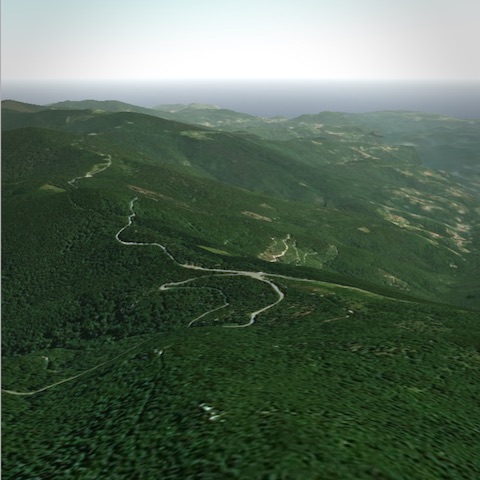
Screenshots
===========
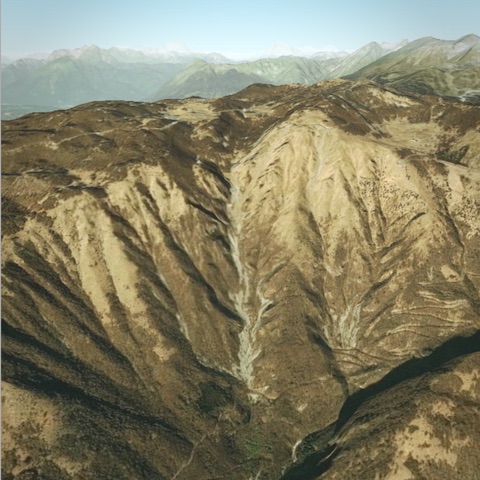
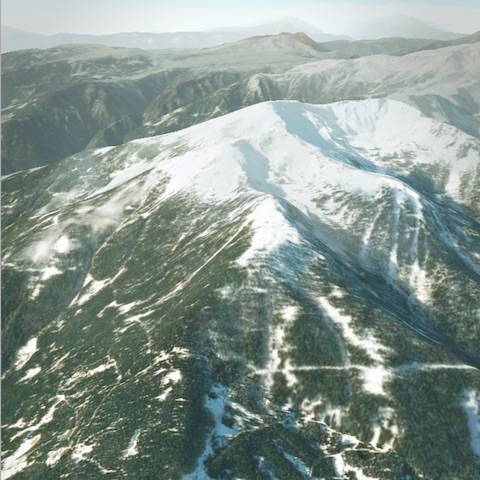
Install
=======
npm install procedural-gl
Usage
=====
```javascript
import Procedural from 'procedural-gl';
// Choose a DOM element into which the library should render
const container = document.getElementById( 'container' );
// Configure datasources
const datasource = {
provider: 'maptiler',
// To get a free key, use https://cloud.maptiler.com/account/?ref=procedural
apiKey: 'GET_AN_API_KEY_FROM_MAPTILER'
};
// Initialize library and optionally add UI controls
Procedural.init( { container, datasource } );
Procedural.setRotationControlVisible( true );
// Load real-world location
const montBlanc = { latitude: 45.8326364, longitude: 6.8564201 };
Procedural.displayLocation( montBlanc );
```
Connecting to a datasource
--------------------------
To actually load data using a library you will need to connect to a source of data. The quickest way to get setup is to register for a [free account with MapTiler](https://cloud.maptiler.com/account/?ref=procedural) and then use the API key as shown above.
For detailed instructions for setting up the datasource, [see this page in the wiki](https://github.com/felixpalmer/procedural-gl-js/wiki/Data-sources)
Examples
========
- [🏞️ New Zealand National Parks](https://github.com/felixpalmer/new-zealand-3d/)
- [🏔️ Peaks of Austria](https://github.com/felixpalmer/peaks-of-austria/)
- [🌋 Volcanoes of Japan](https://github.com/felixpalmer/volcanoes-of-japan)
Sponsor
=======
If this library is useful to you, please consider [sponsoring](https://github.com/sponsors/felixpalmer) the project.
Blog posts / Guides
===================
- [Quickstart setup of datasources for Procedural GL JS](https://github.com/felixpalmer/procedural-gl-js/wiki/Data-sources)
- [Build New Zealand in an afternoon](https://www.pheelicks.com/posts/build-new-zealand-in-an-afternoon/)
License
=======
Procedural GL JS is licensed under the [Mozilla Public License Version 2.0](https://www.mozilla.org/en-US/MPL/2.0/).